 Pixelize
Convert any format
JPG, PNG, WEBP, BMP, TIFF, ICO and more, with a live size estimate. iPhone HEIC photos open on Android 9+.
Learn more →Pixelize is a fast, private photo toolkit for Android. Convert formats, compress, crop, add a watermark, remove backgrounds with offline AI and make PDFs. Your photos never leave your phone.
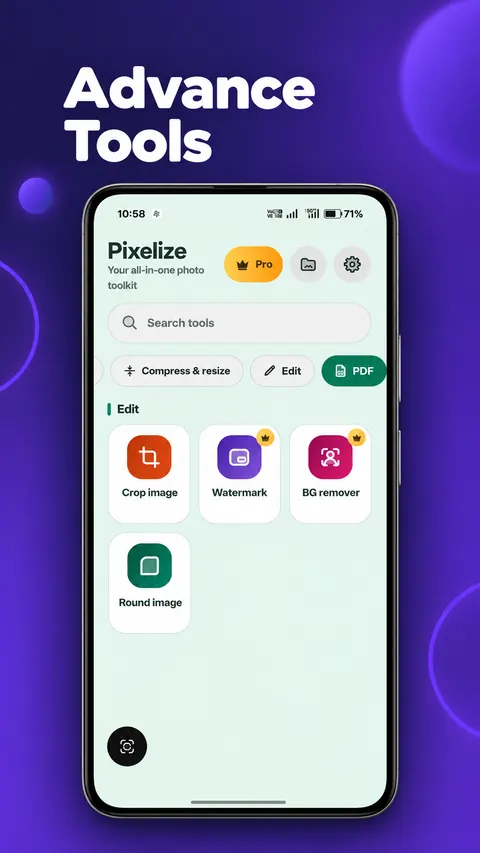
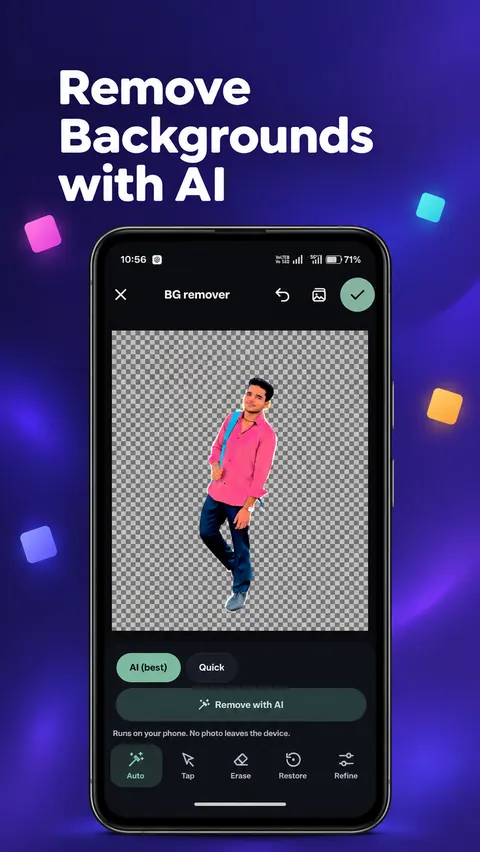
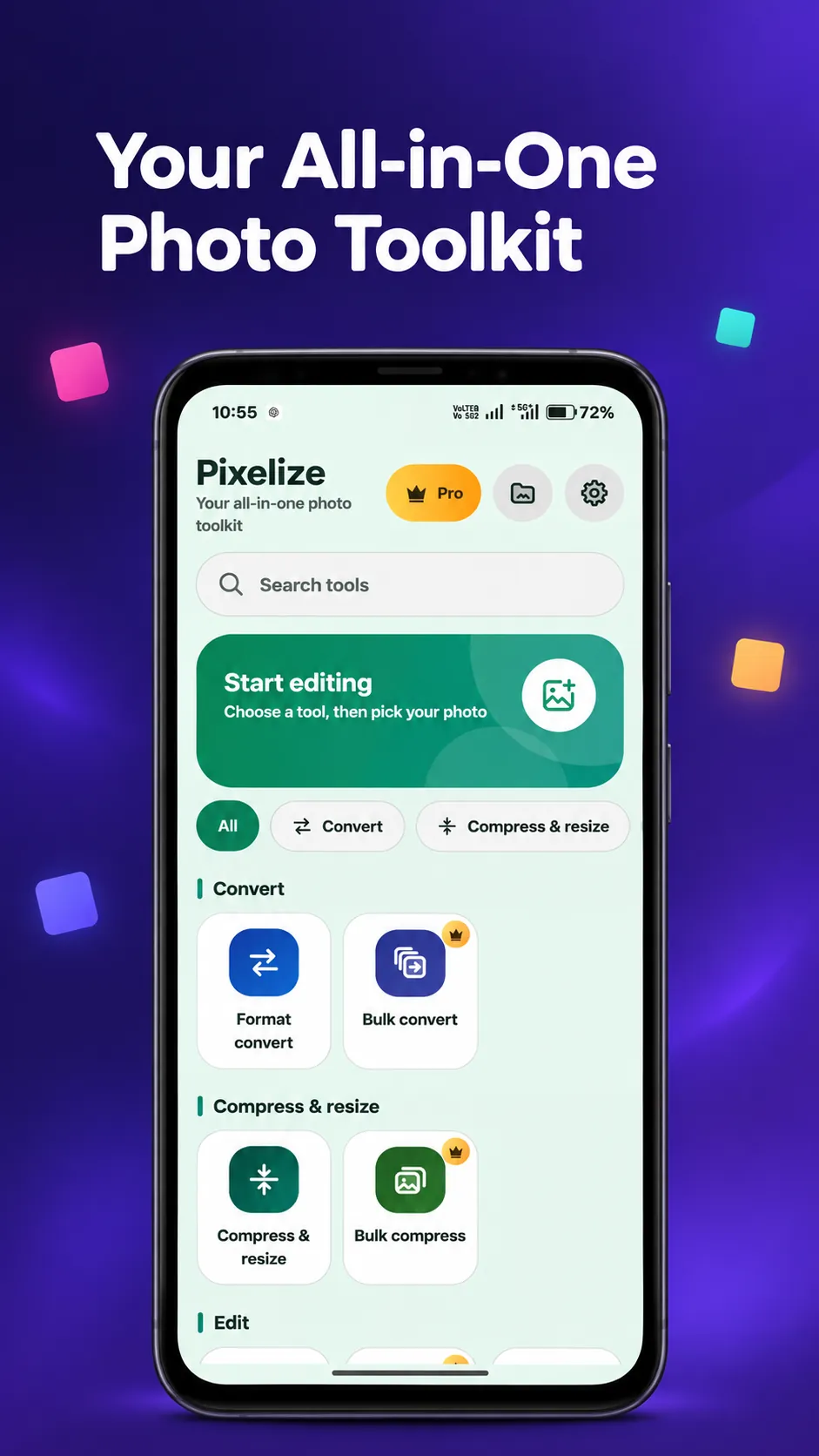
The AI model is optional. Ads and purchases need an internet connection. All other tools work offline.
Simple on the surface, careful underneath. Every tool is explained on the features page.
JPG, PNG, WEBP, BMP, TIFF, ICO and more, with a live size estimate. iPhone HEIC photos open on Android 9+.
Learn more →Make photos small enough for WhatsApp, Instagram, forms or email. See the new size before you save.
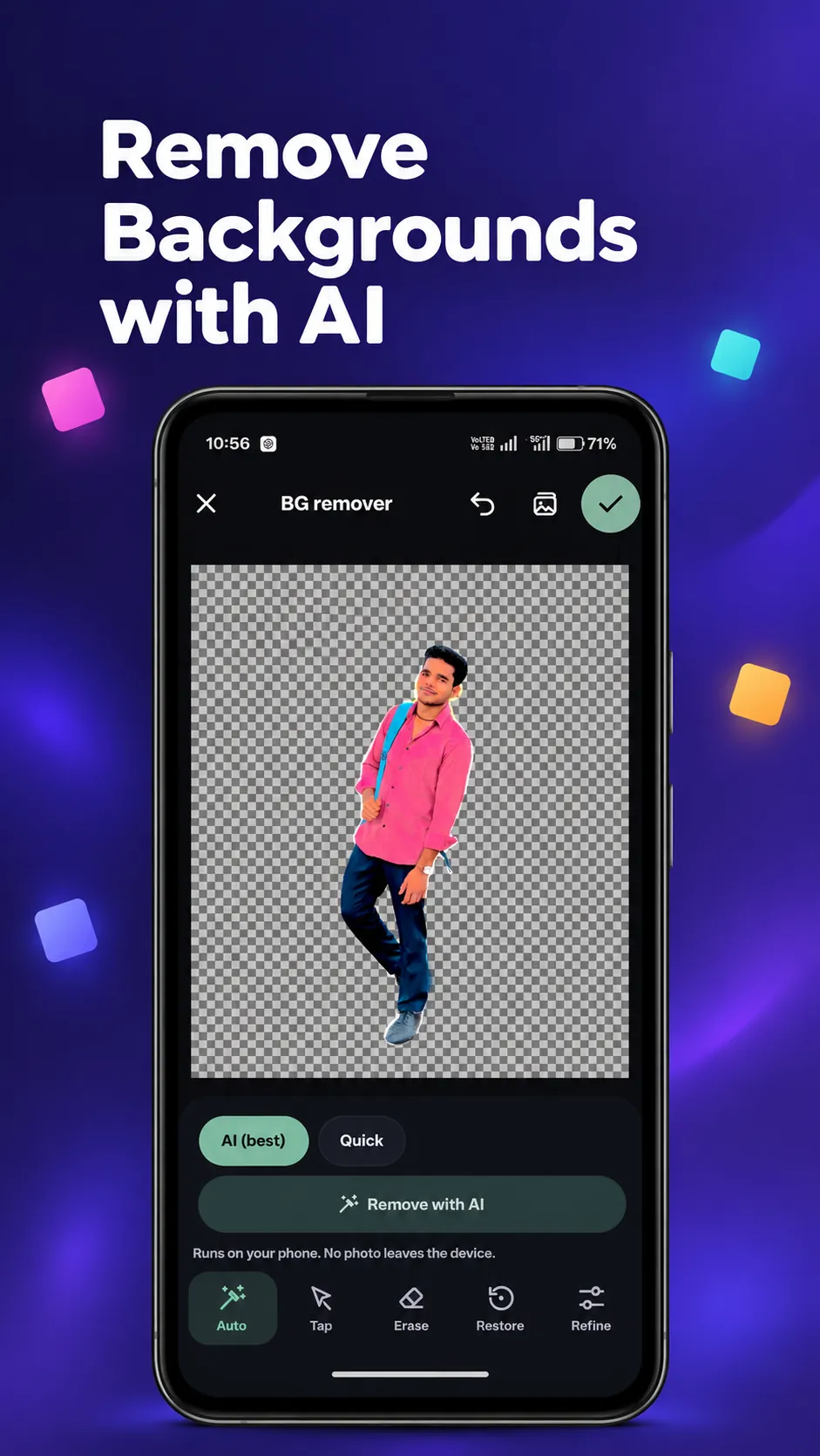
Learn more →Cut out people, pets and objects. Save a transparent PNG or WEBP. Works offline after a one-time download.
Learn more →Image to PDF, PDF to image, PDF to text and Text to PDF. All on your phone.
Learn more →Crop, round corners, ten filters, watermark and glitch art, with before/after and undo.
Learn more →Process hundreds of photos in the background while you do something else.
Learn more →AI mode finds people, pets and objects and removes the background. After one model download (about 90 MB) it works fully offline.
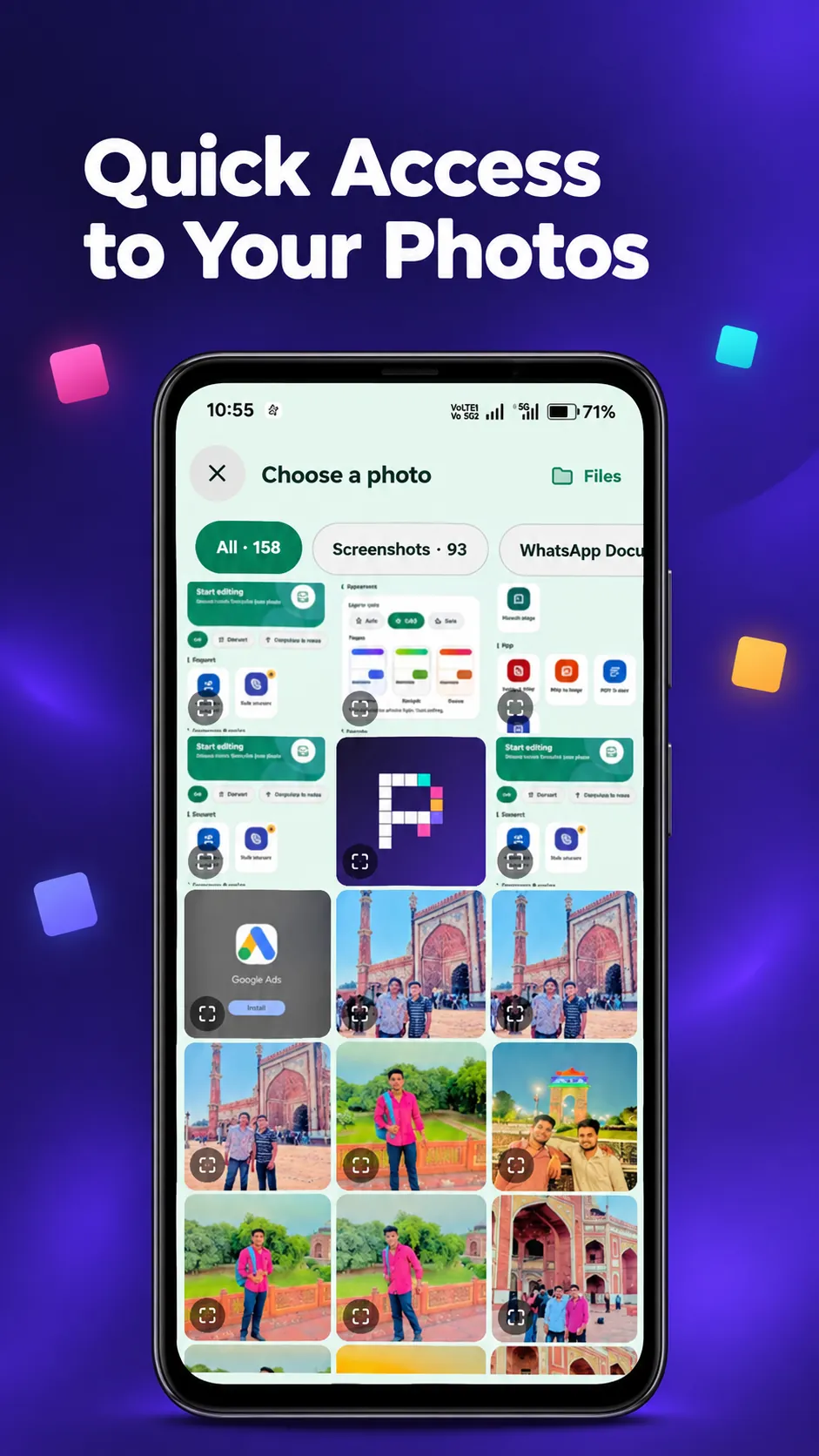
Tap any tool and see all your photos in one fast grid with albums. Pick one photo or many, look at any picture full screen, pinch to zoom and share.
Pick the tools that fit what you do.
Tap any screenshot to enlarge it.
Choose from Convert, Compress, Edit or PDF on the Home screen, or search by name.
Select from the in-app gallery. One photo or hundreds, your choice.
Results are saved as new files in Pictures/Pixelize. Open, share or delete them from Output files.
Pixelize does the work on your device. We do not collect, see or store your photos or PDFs.
No subscription. Pay once through Google Play, or try Pro tools free for an hour.
Pixelize is free to download and most tools are free to use. The free version shows ads. Pixelize never adds a watermark to your photos. The Watermark tool only adds the text you type.
A few tools are Pro (AI background remover, Watermark, Glitch art, Bulk convert, Bulk compress). You can unlock all of them with one purchase, or tap a Pro tool and watch a short ad to use it free for 1 hour.
No. Photos and PDFs are processed on your phone. Pixelize has no accounts and no cloud storage, so there is nothing to upload to. Read the full details in the privacy policy.
The tools work offline. Internet is only used for ads in the free version, for buying Pro through Google Play, and for the one-time download of the AI background remover model (about 90 MB).
Pixelize needs Android 8.0 or newer. iPhone HEIC photos can be opened on Android 9 and newer. The AI background remover is built for phones with 4 GB RAM or more.
Install Pixelize and have your first photo converted, compressed or cut out in under a minute.
Get it onGoogle PlayFound a problem? Tell us about it.