Features Screenshots Demo FAQ Privacy Install
100% Offline & Private

Edit Images Without Limits. No Upload.

Pixelize is your complete offline image toolkit — convert, compress, edit, watermark, and more. Your files never leave your device.

offline_boltFully Offline
lockZero Upload
boltLightning Fast
App screenshot
🖼️ JPG → PDF
🗜️ Compressed!
🔒 No Upload
0
Powerful Tools
100%
Offline Capable
0
Files Uploaded
4+
Formats Supported
Capabilities

Everything you need,
built right in.

No subscriptions. No cloud. Just powerful tools that work instantly on your device.

picture_as_pdf
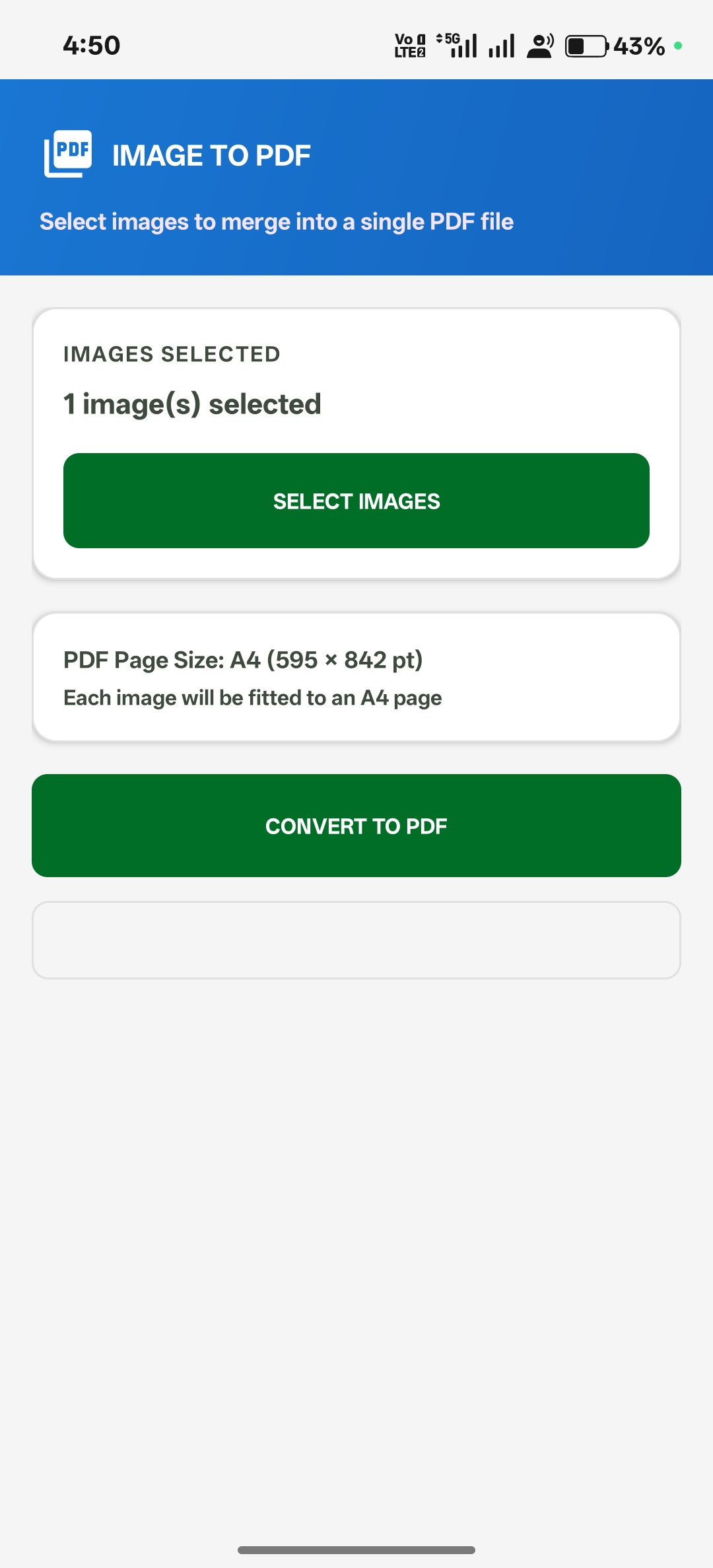
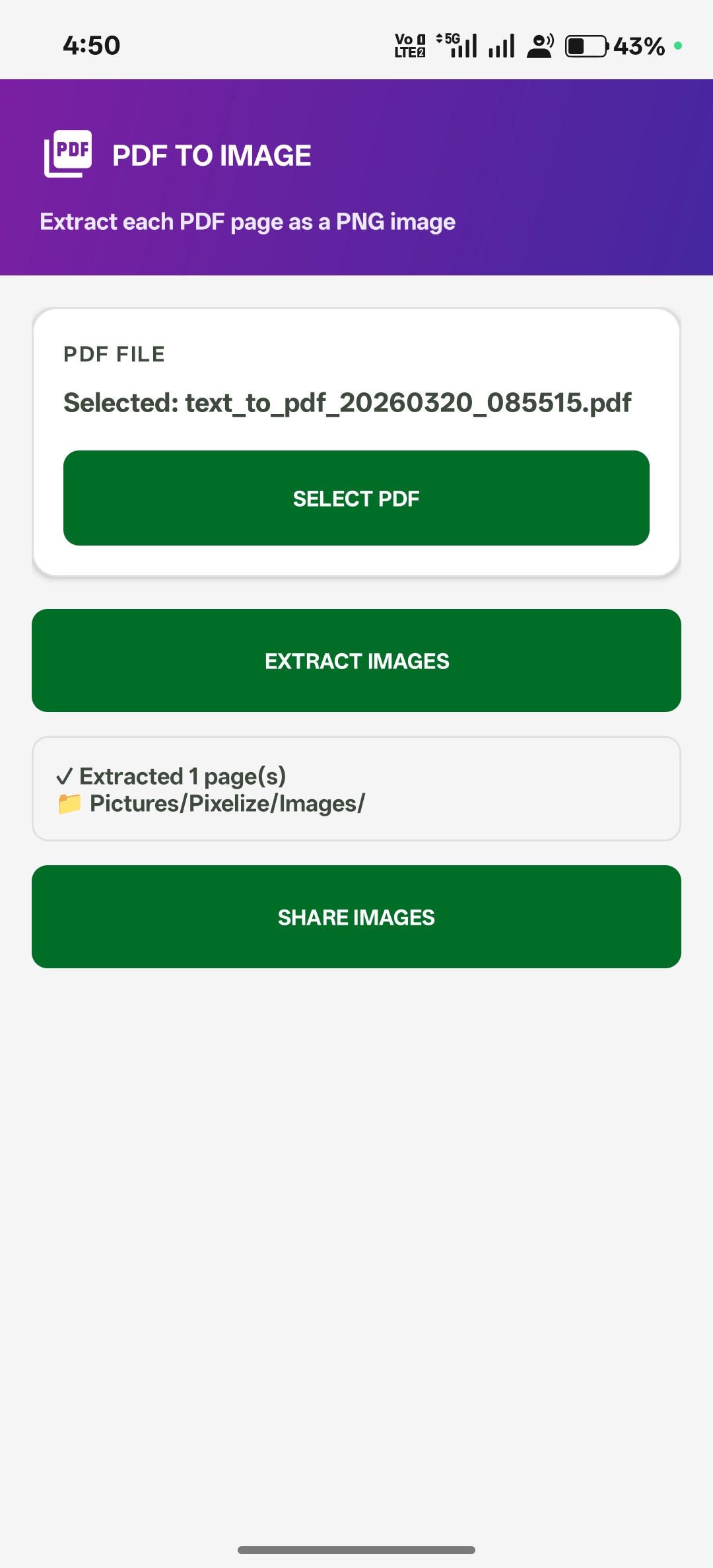
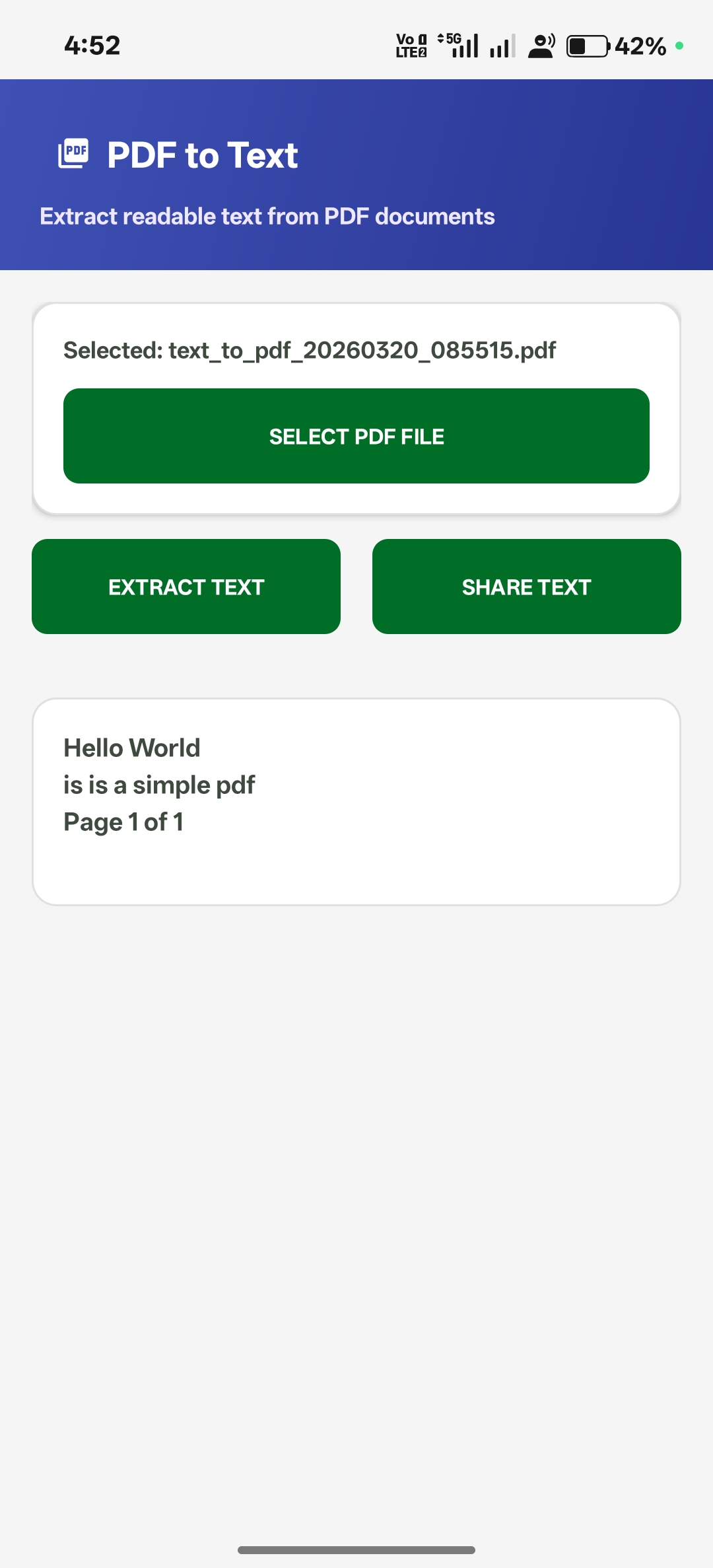
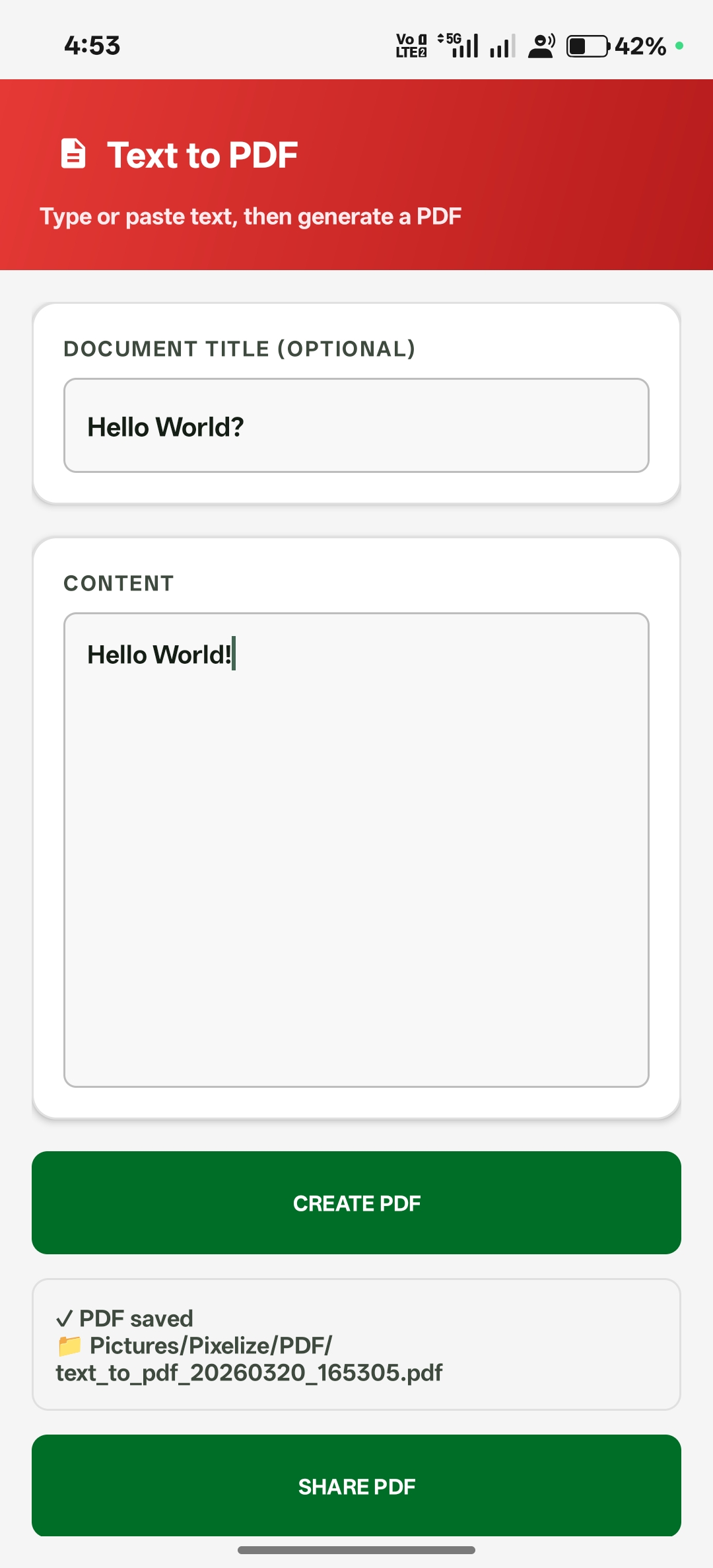
Image ↔ PDF

Convert images to PDF or extract images from documents instantly.

sync_alt
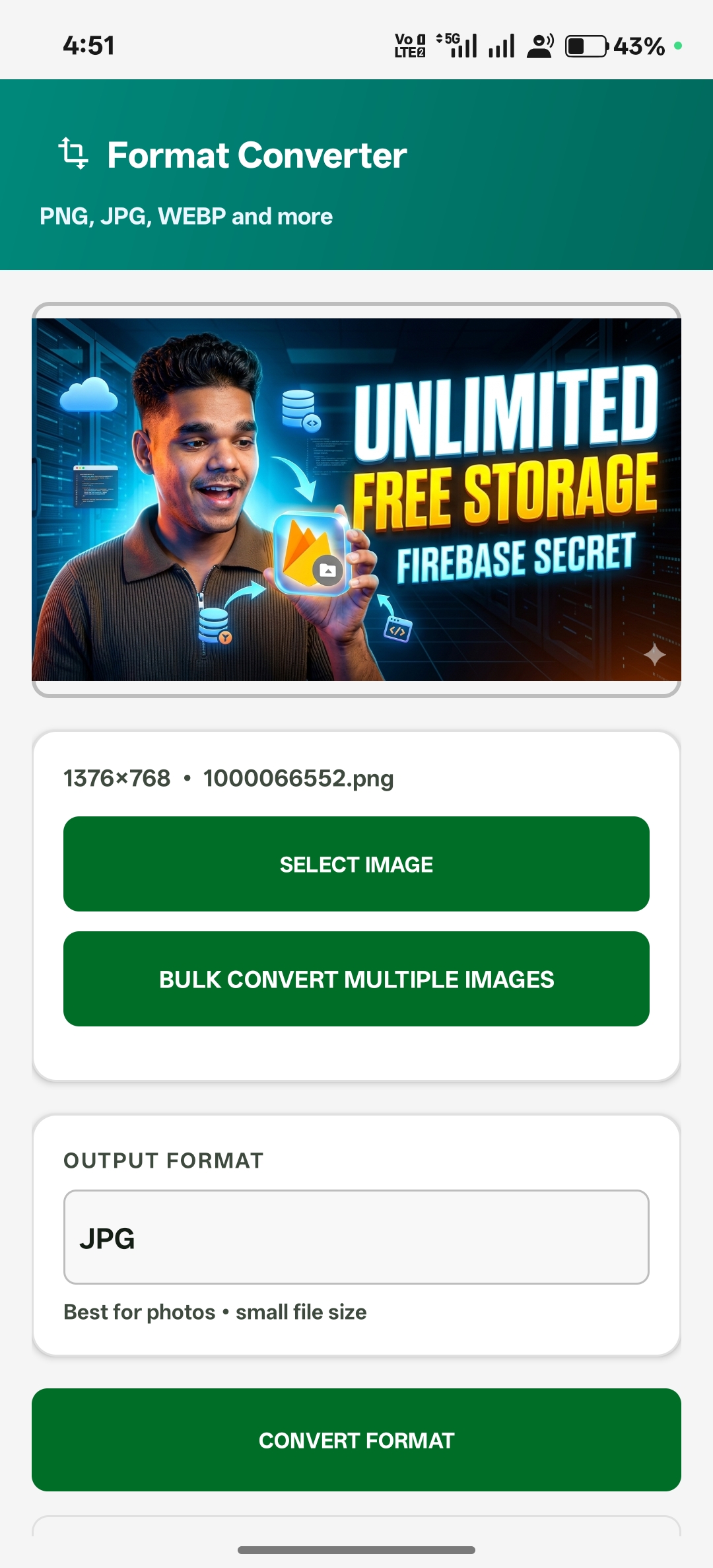
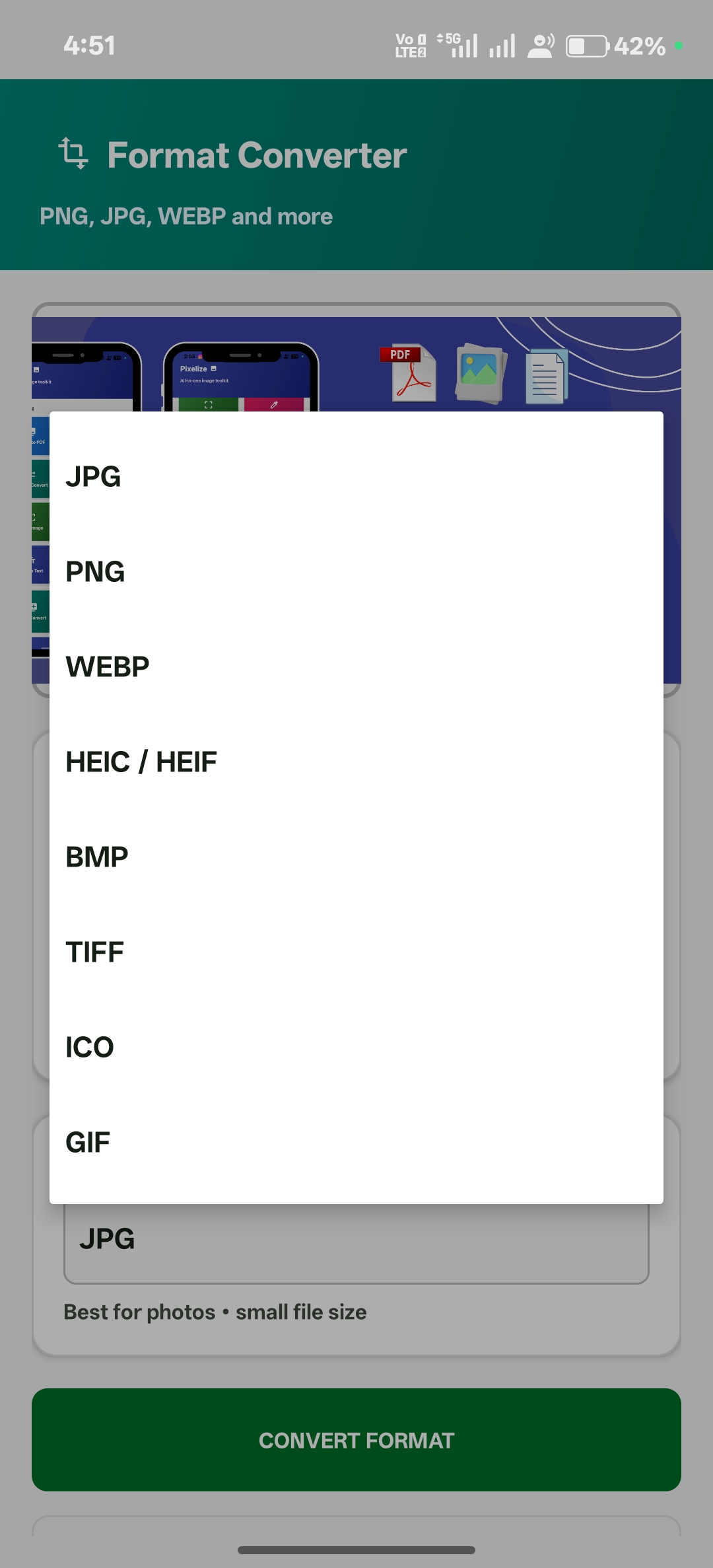
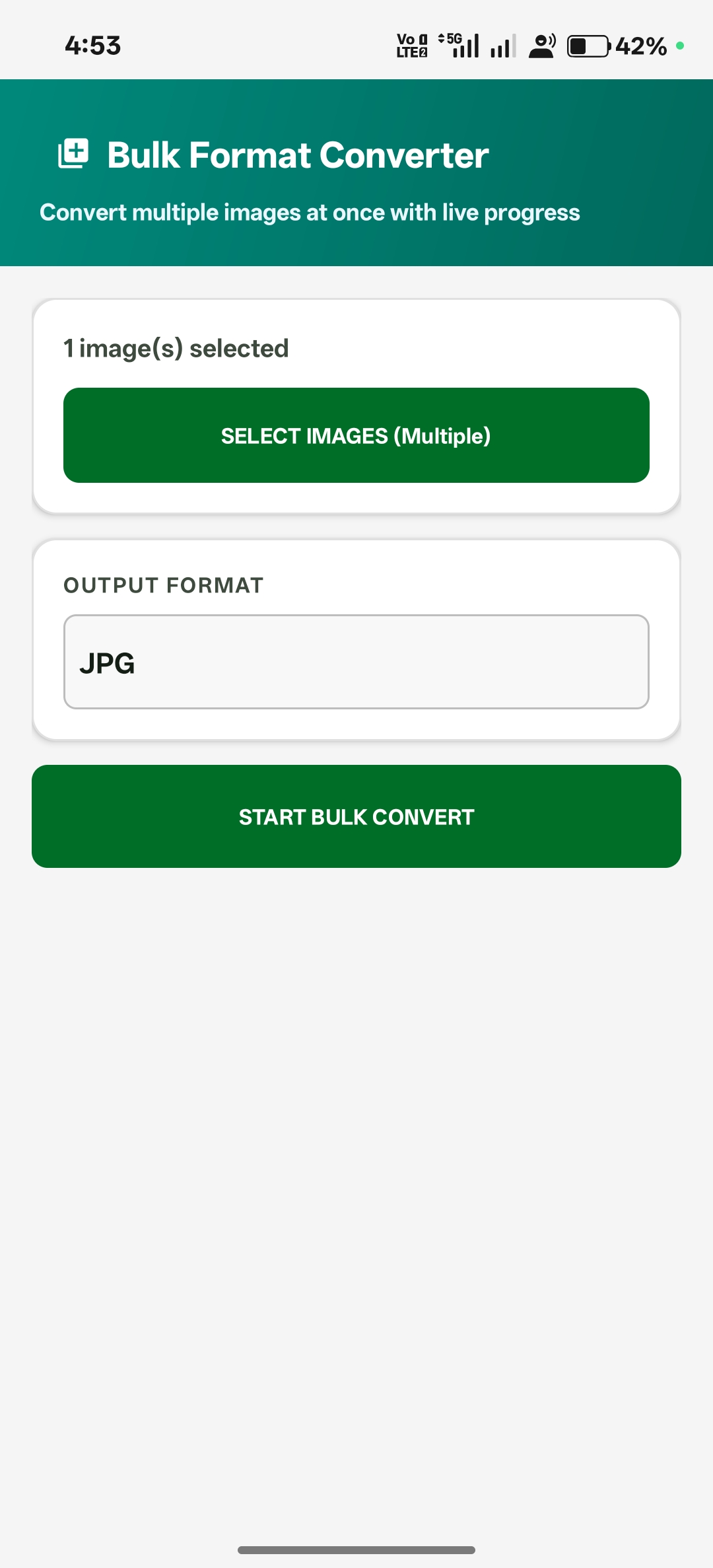
Format Converter

Batch convert between JPG, PNG, and WEBP with one tap.

compress
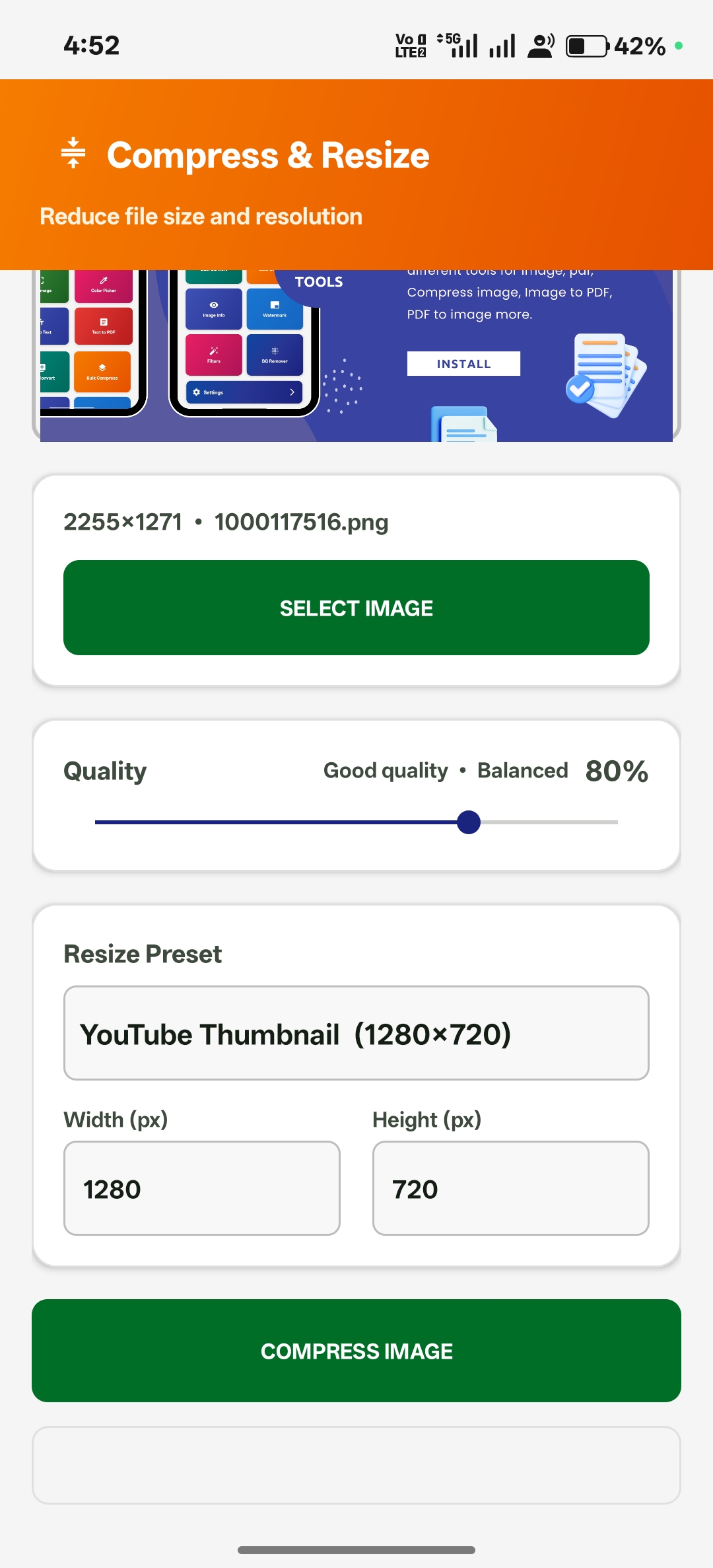
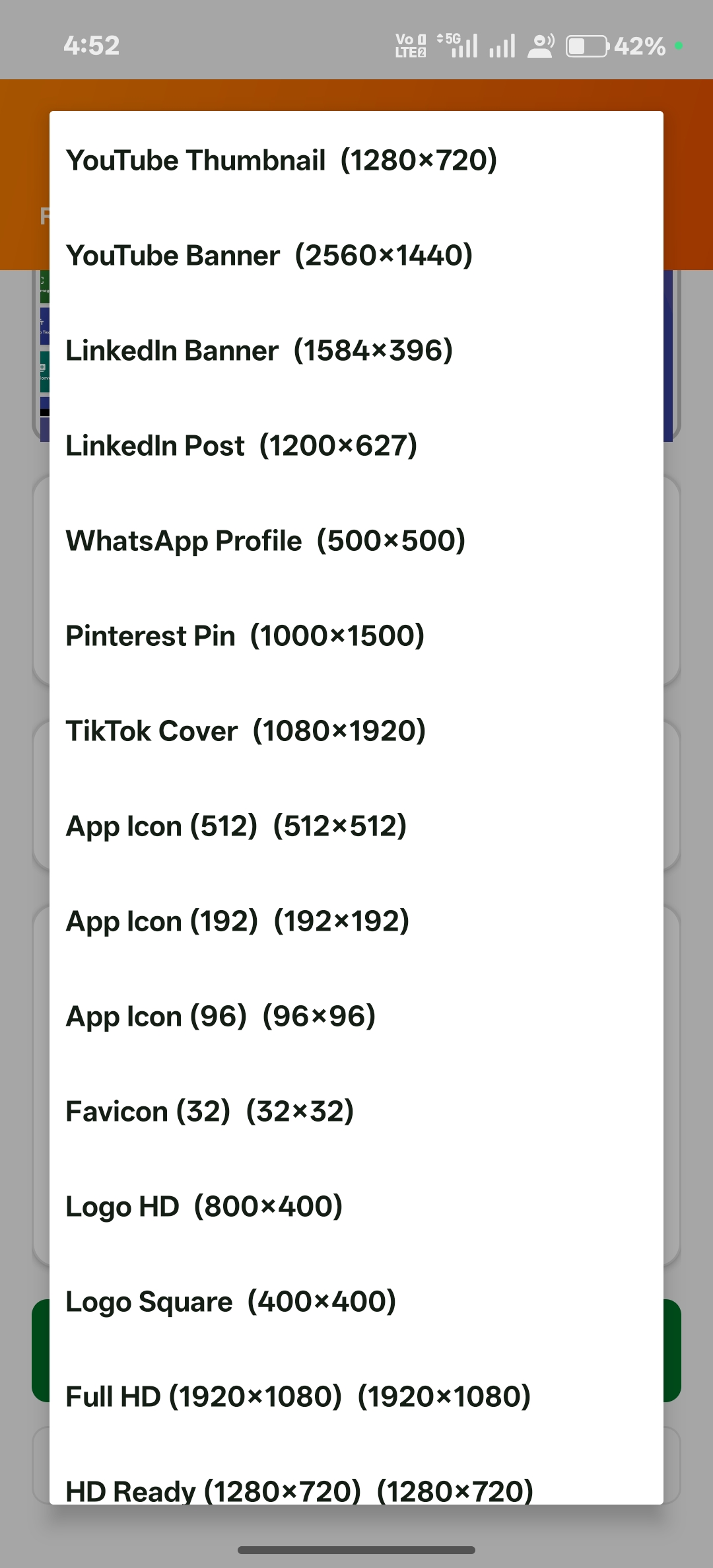
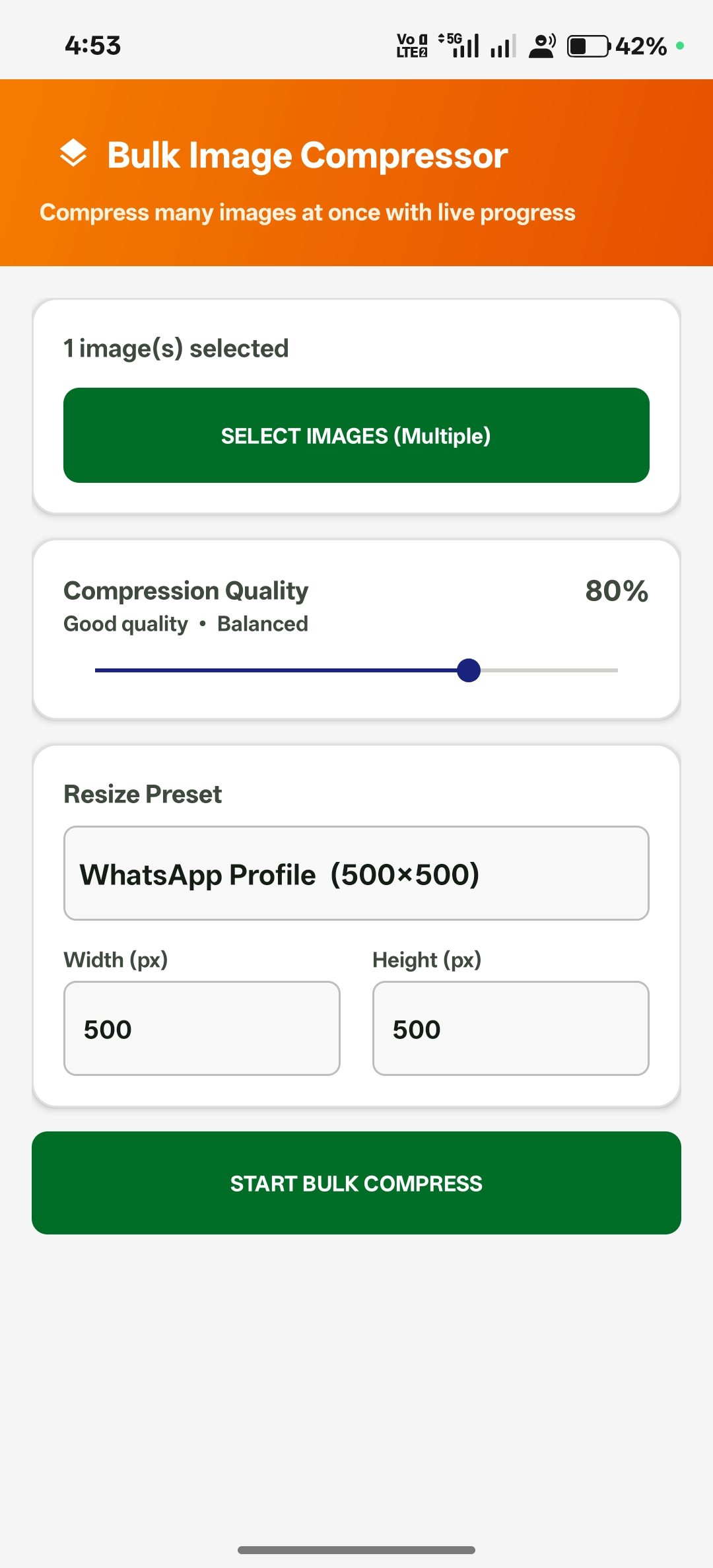
Smart Compress

Shrink file sizes without sacrificing visual quality.

auto_fix_high
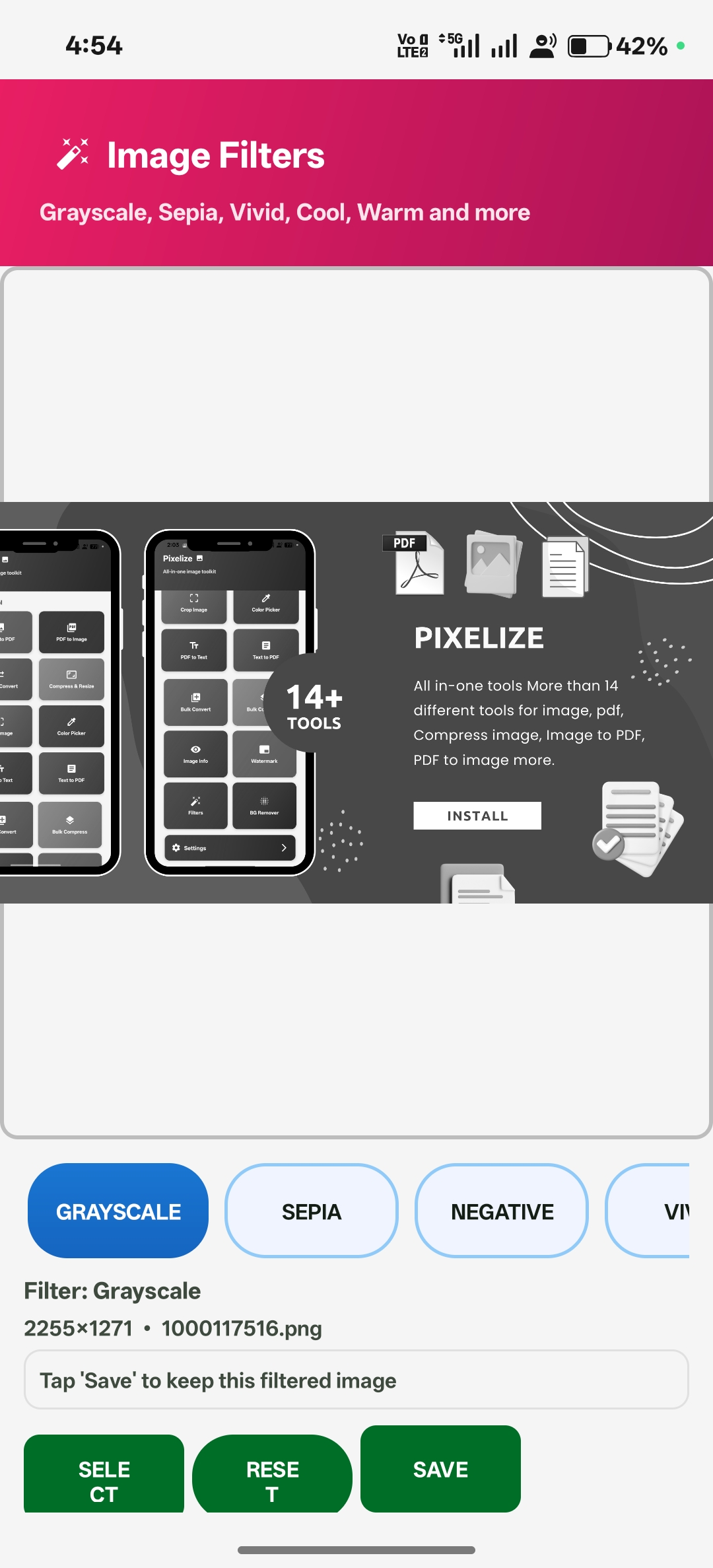
Filters & Effects

Apply stunning presets and fine-tune with advanced controls.

layers_clear
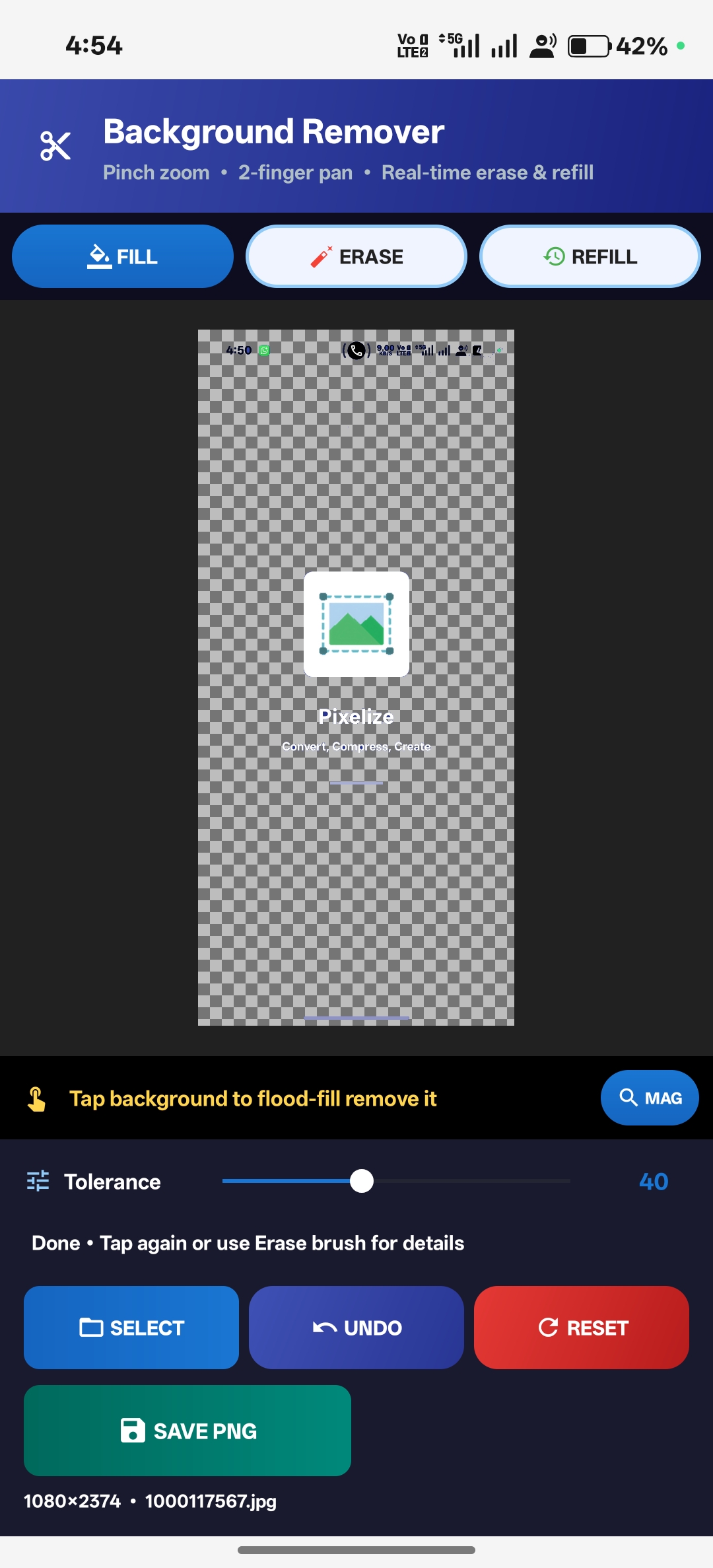
BG Remover

Remove or replace backgrounds completely offline using on-device AI.

collections
Bulk Processing

Process dozens of files in a single operation — zero effort.

info
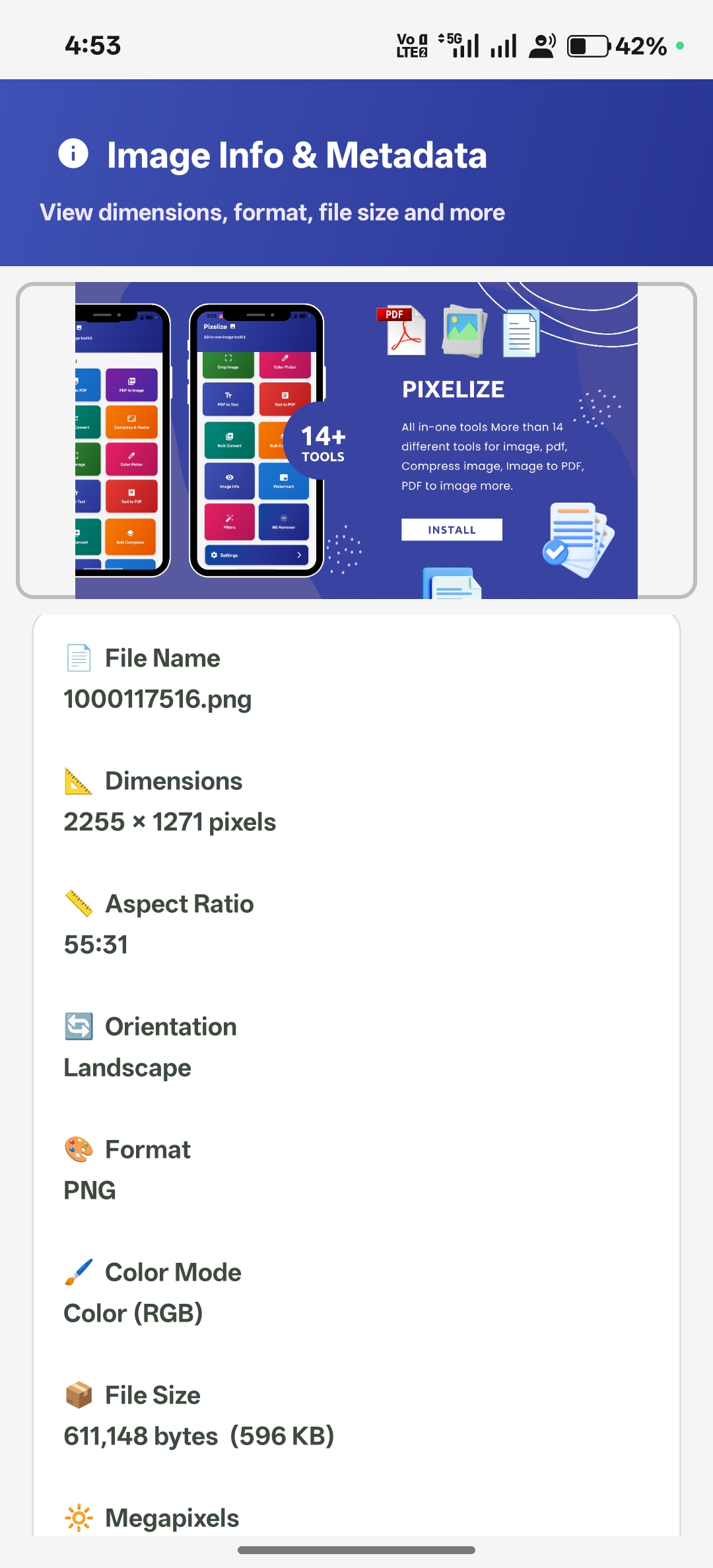
EXIF Viewer

Inspect GPS, camera model, timestamps, and full metadata.

branding_watermark
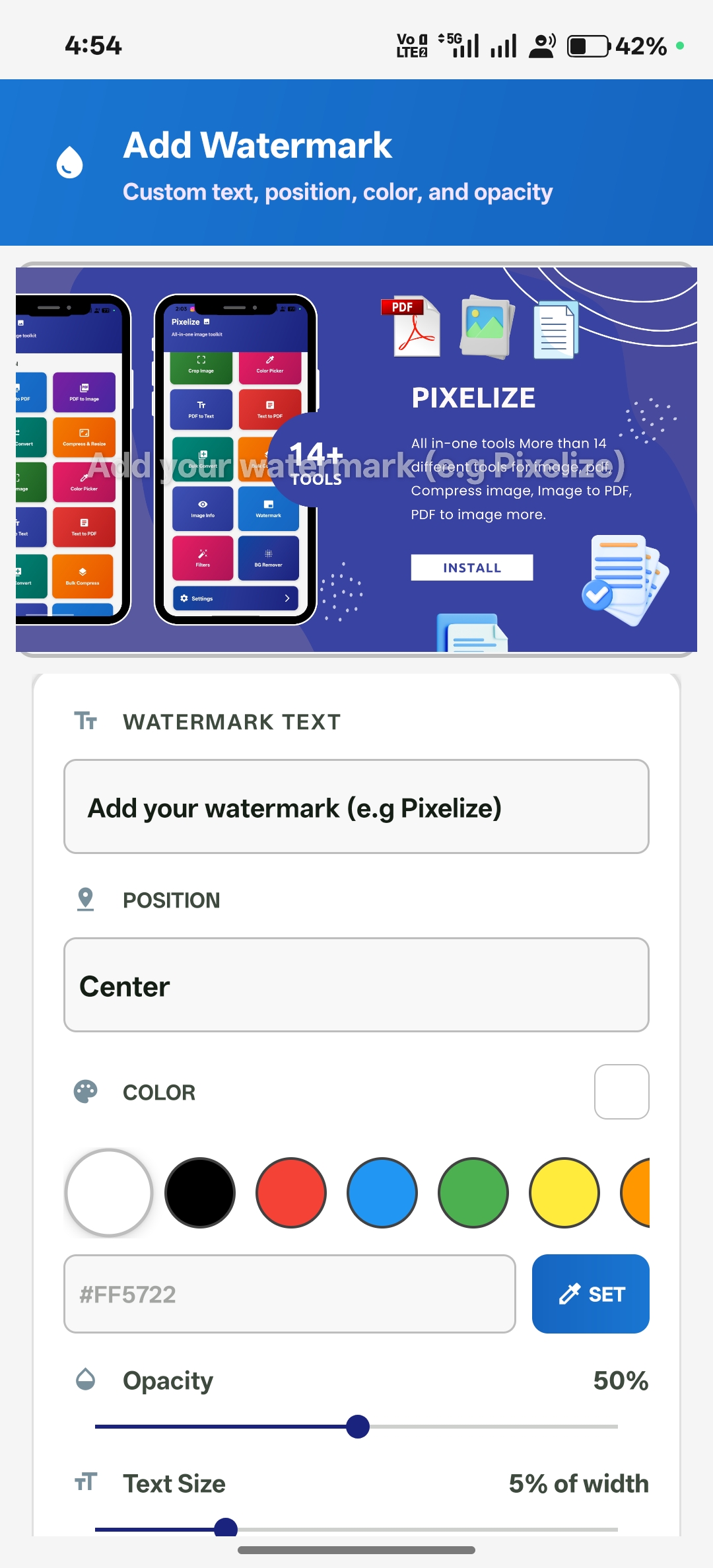
Watermark Tool

Brand your images with custom text or logo watermarks.

offline_bolt
100% Private

Every file stays on your device. Zero cloud. Zero tracking.
App Screens

See it in action.

Watch

See the demo.

Your images.
Your device.
Your rules.

Join thousands of users who trust Pixelize for fast, private image editing.

Download Free
FAQ

Questions? Answered.

Does it work without internet?expand_more
Yes. Every single tool in Pixelize works 100% offline. No internet connection is needed at any point.
Are my images uploaded anywhere?expand_more
Never. Files are processed directly on your device and are never transmitted to any server.
What formats are supported?expand_more
JPG, JPEG, PNG, WEBP, and PDF. More formats are on the roadmap.
Is bulk processing supported?expand_more
Yes — compress, convert, and process multiple images in a single batch operation.
Is the app free?expand_more
Pixelize is free to download and use on the Google Play Store.
How does background removal work offline?expand_more
We use on-device ML models that run entirely on your hardware — no cloud API required.